
My gate is showing hold open at 90 degrees and won’t close unless it is pushed. I don’t need and didn’t request a hold-open function— why does it happen and how can I fix this?
Recently, we received a client’s feedback about Waterson gate hinges installed on a lightweight gate. The customer noted that his gate stopped and held open at 90°, which required a push to initiate the closing.
Waterson usually receives similar adjustment requests. To ensure proper functionality, it’s important to fine-tune both tension and speed settings to suit your gate’s weight and swing behavior. And here is the step-by-step guideline on how to do it.
Step 1: Know Your Hinge Model
Please note that Waterson heavy duty gate hinges offer a variety of product codes including K51P, K51PS, K51MP, K51W/WP, and among others. However, the adjustment process remains consistent and is categorized based on codes A, B, C, and D.

Step 2: Read the Adjustment Instructions
Waterson self closing gate hinges are easily adjustable and re-adjustable. On the top and bottom of Waterson hinges, there are the top tension setting and bottom speed setting respectively. Besides, all the needed tools for adjustment are also included in the hinge set box. Please based on the Adjustment Instructions of your hinge set to adjust these gate hinges properly.
For example:
Stainless Steel Self Closing Gate Hinges K51P-A3 is a set of 3 hinges/gates (SA.SA.SA1). Therefore, you should go to Set A3 (SA.SA.SA1) – A.3 How To Adjust, or watch the Youtube video for Set A3 (SA.SA.SA1) for more information.
Step 3: Re-check the Gate Hinges Movement
After adjusting, swing the gate several times to check for smooth self-closing and proper alignment. Re-adjust if needed.
Still Can’t Get Your Gate Hinges Adjusted? Contact Waterson Support Team
Waterson’s Support Team is always here to help — 24/7. However, to resolve your issue efficiently, we need clear visual information on EACH HINGE settings and installation.
Please follow the steps below before sending your support request:
- Step 1: Take a photo of the bottom adjustment screw and hinge type marking (SA, SA1, etc.) on each hinge.
- Step 2: Take a photo of the current tension setting on each hinge.
- Step 3: Record 10-15s of your gate performance to help us understand your issue and provide accurate support.
- Step 4: Send all the information to Waterson Contact Us Form
Watch a short instruction on how to send Waterson an adjusting request.
In case of performance issues or you need to deactivate the mechanism, we recommend resetting your Waterson self-closing hinges to factory settings. See how to reset Waterson self-closing hinges here.
Waterson Hinges provides not only an English version, but also in Tagalog, Chinese, Spanish, and Vietnamese. Do you think we need more languages available? Send us your opinion now!
Request For Quote
Please note that Waterson closer hinges start from a size of 4″x4″. If you’re in need of smaller self-closing hinges, we’d recommend checking out some other resources! Also, we only provide single acting closer hinges. Thank you.
Recent Post
Healthcare Door Hinges: How to Choose from Patient Rooms to Labs
Quick Answer Healthcare door hinges are not one product. Patient rooms need hydraulic self-closing hinges that close heavy doors softly, often in a swing clear [...]
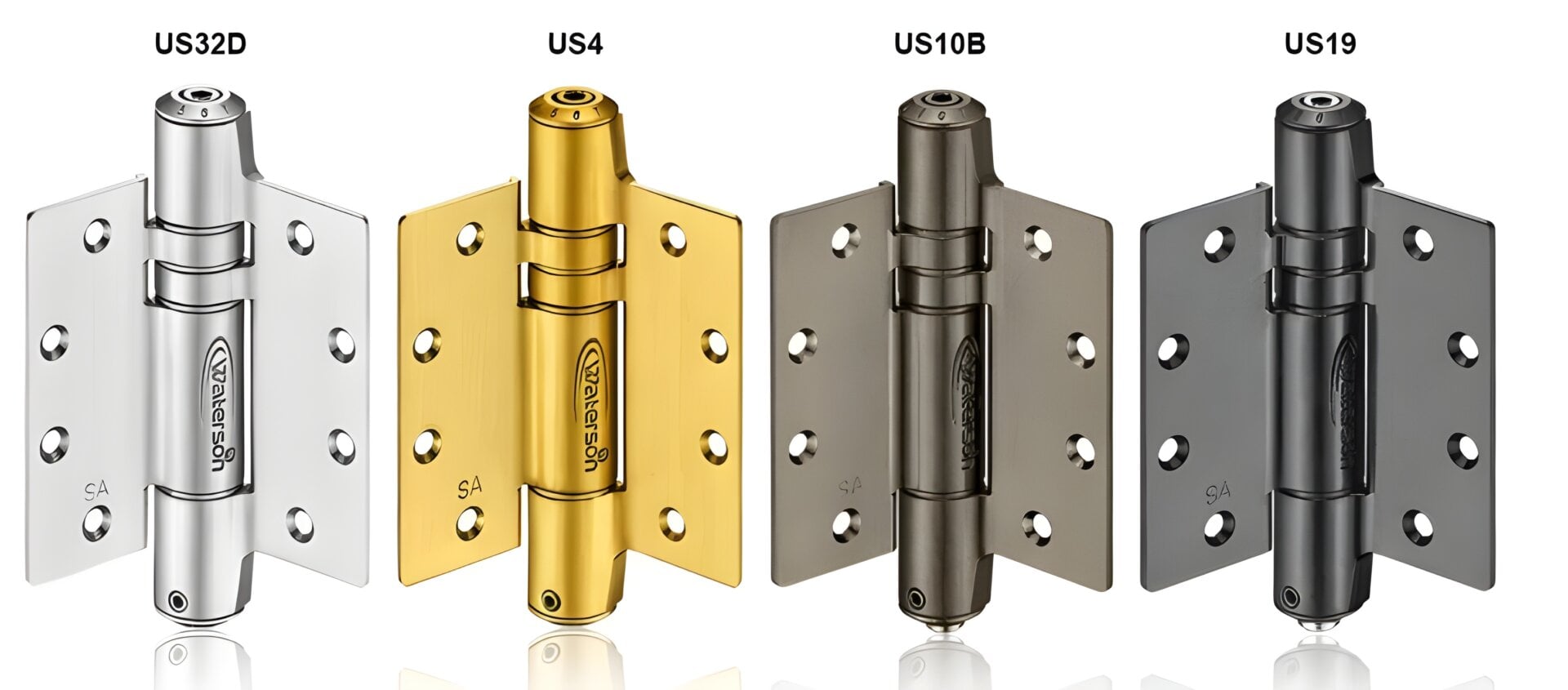
How to Provide Your Door Information to Waterson to Get Product Recommendations
If you're new to Waterson Hinges and not sure how to get started, this page is for you. We get a lot of inquiries every [...]
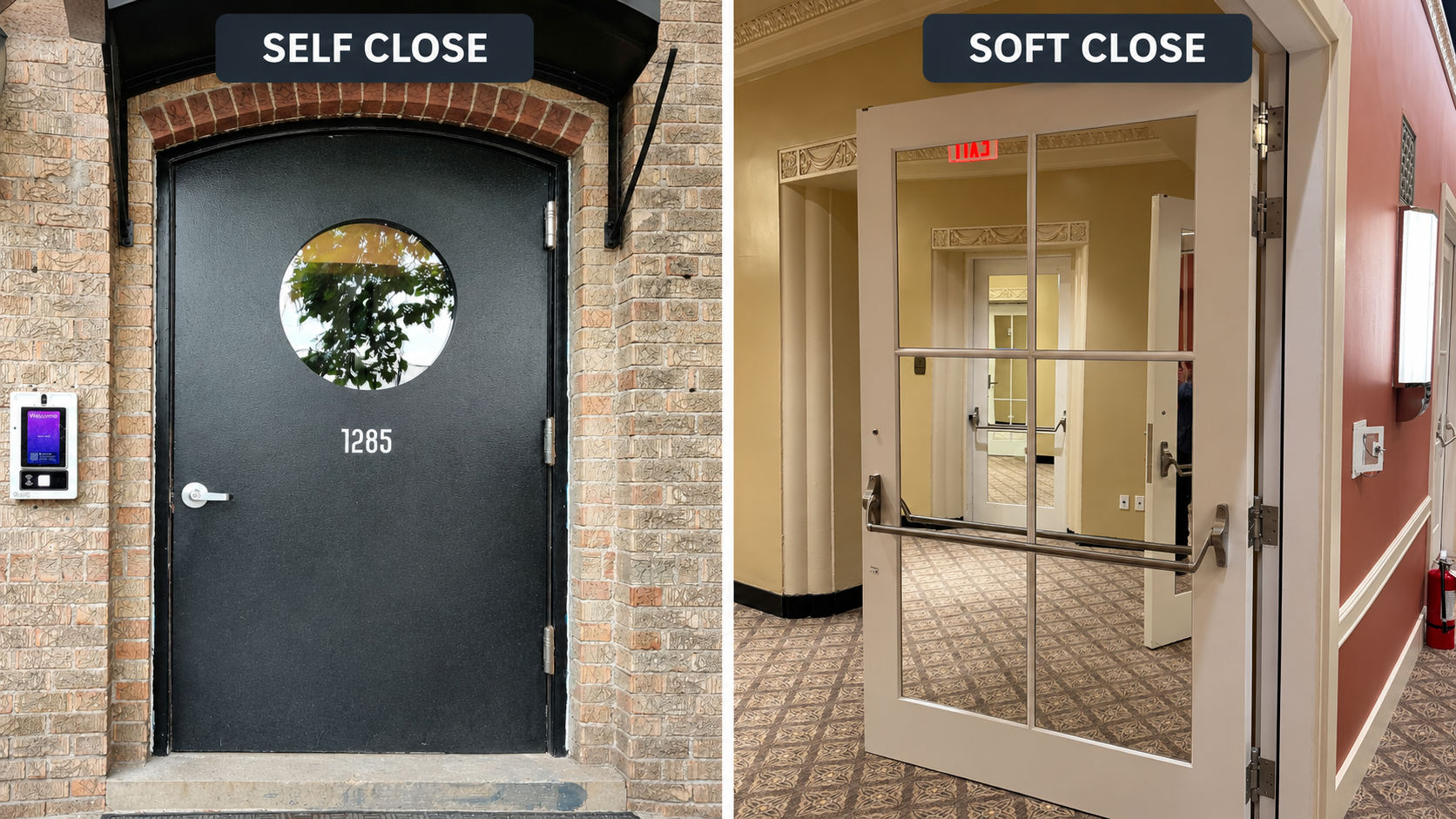
Self Close vs Soft Close Hinges: Two Different Needs, Explained
Self close hinges shut the door on their own. Soft close hinges only slow the door so it won’t slam. Learn how to choose.