
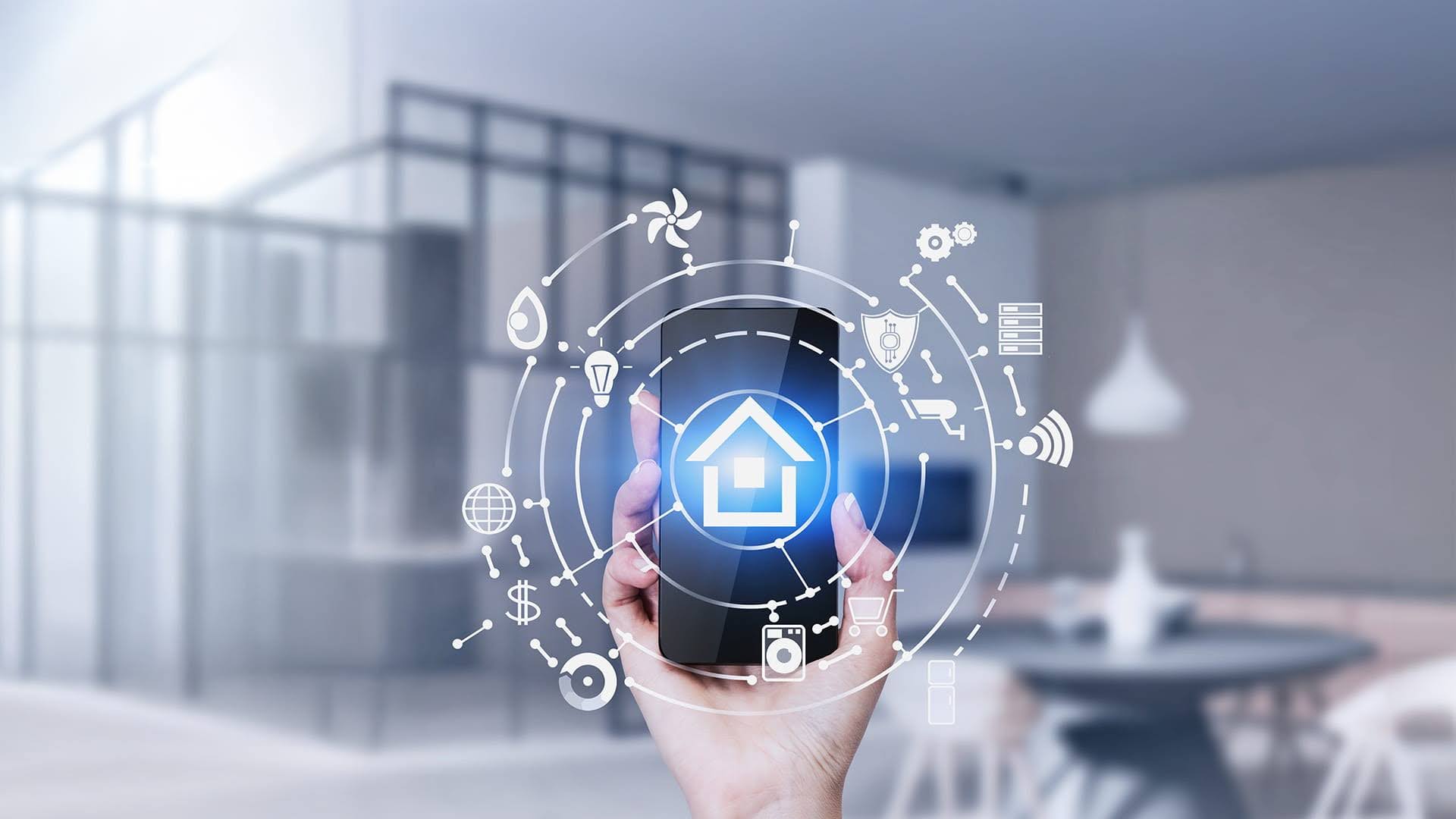
Smart homes are convenient. They’re also complex. A single household can now host dozens of connected devices — lights, smart locks, thermostats, cameras, speakers, and smoke detectors — all talking to each other and to cloud services. That convenience creates a big attack surface: more entry points for someone who wants to snoop, take control, or compromise your physical and digital security. According to recent industry tracking, the world had over 21 billion connected IoT devices in 2025, with strong growth continuing into 2026.
The Scale of the Problem — and the Usual Weaknesses
Why are smart homes attractive targets? Weak or unchanged passwords, exposed administrative interfaces, unpatched firmware, and poor network segmentation are recurring causes of incidents. The web security community lists weak authentication and insecure device ecosystems among the top systemic risks for connected products. Attackers automate scans and brute-force attempts; many compromises are opportunistic rather than targeted. In short: convenience + common defaults = risk.
Choosing the Right Hardware Foundation: Physical vs. Digital
Security starts long before a device connects to your Wi-Fi network. When selecting components for your ecosystem—especially critical access control entry points like smart locks—it is vital to choose commercial-grade hardware designed with a security-first architecture. A smart home is only as safe as its strongest physical barrier.
High-quality hardware focuses on robust mechanical reliability alongside heavy-duty electronic components. This ensures that your physical doors remain secure even if a total internet outage or local power failure occurs. Homeowners and property managers should look for architectural-grade materials, such as solid brass or reinforced steel bodies, integrated with precision engineering like mechanical speed controls or advanced latching systems. True security bridges the gap between digital encryption and physical resistance against forced entry.
Practical Steps to Lock Down Your Smart Home
To ensure your connected ecosystem remains a fortress, consider a multi-layered defense strategy. Managing both your local infrastructure and external connections requires a disciplined approach. Here is a user-friendly checklist for 2026:
- Secure the Router and Encrypt Traffic
The first line of defense is your home router. Cyber experts recommend routing all smart home traffic through secure, encrypted tunnels to prevent eavesdropping. Implementing network-level encryption, such as setting up a reliable tool like VeePN directly on a compatible router, ensures that data leaving your smart devices cannot be easily intercepted, analyzed, or manipulated by malicious actors operating outside your home network. - Inventory Every Device and Update Firmware Regularly
Make a detailed inventory list including the model number, physical location, and when it was last updated. Check vendor support pages at least monthly and enable automatic updates where the vendor provides them. Remember that even heavy-duty architectural access devices require occasional digital patches to maintain their integrity. - Replace Default Credentials with Strong, Unique Passwords
Use a reliable password manager to create and store long, unique passwords for each device and online account. Avoid easily guessable phrases, and never reuse the exact same password across multiple platforms. Many major incidents stem from unchanged factory credentials — make it a rule to change them on day one. - Segment Your Network via Guest VLANS
Put all smart-home devices on a separate guest network or dedicated IoT VLAN away from your primary computers, tablets, and smartphones. This effectively limits the lateral damage if one minor device is compromised; an attacker cannot automatically pivot from a smart bulb to reach your personal laptop or private file shares. - Use Multi-Factor Authentication (MFA)
For all cloud accounts, camera access portals, smart hub dashboards, and vendor applications, enable multi-factor authentication. Even a basic secondary verification step will stop the vast majority of automated account-takeover attempts. - Disable Unused Features and Legacy Services
Turn off Universal Plug and Play (UPnP), remote administration tools, or cloud sharing features that you do not actively use. The fewer open ports and services running on your network, the fewer attack vectors are available to outside scanners.
Device-by-Device Hardening Strategies
- Smart Locks and Access Control: Always enable MFA for the primary account that controls access. Limit the distribution of guest pin codes and delete temporary credentials immediately after use. Regularly audit your digital access logs if the manufacturer provides them. For maximum safety, ensure your electronic smart locks are paired with high-security physical lock cylinders and robust, heavy-duty hinges that resist physical tampering.
- Smart Security Cameras: Change default admin credentials immediately upon installation. Disable cloud-based remote access if you only require local monitoring, and ensure that video footage stored on the cloud uses end-to-end encryption.
- Smart TVs and Wireless Speakers: Review all pre-installed applications and remove any software you do not use. Avoid logging into sensitive personal accounts, such as online banking or primary email addresses, through television interfaces. Treat modern voice assistants as a convenience feature rather than a secure tool.
Integrating Physical Durability and Digital Control
As the smart home market matures in 2026, the lines between professional property access and DIY home automation are blurring. Modern multi-family buildings and high-end residential projects require seamless integration between mechanical durability and digital access logs. Choosing heavy-duty mechanical closers, mechanical-electronic hybrid systems, and components tested for millions of cycles reduces the total cost of ownership while eliminating structural vulnerabilities.
Final Notes on Habits and Awareness
Security in smart homes is a continuous habit, not a single standalone product. Keep a simple checklist and run through it every few months: review your device inventory, verify active firmware updates, check unique passwords, monitor network segmentation, and maintain vendor trust. Proactive mechanical and digital maintenance stops the most common security incidents before they start. Make your home unpredictable for attackers by securing both the data stream and the front door frame.
Recent Post
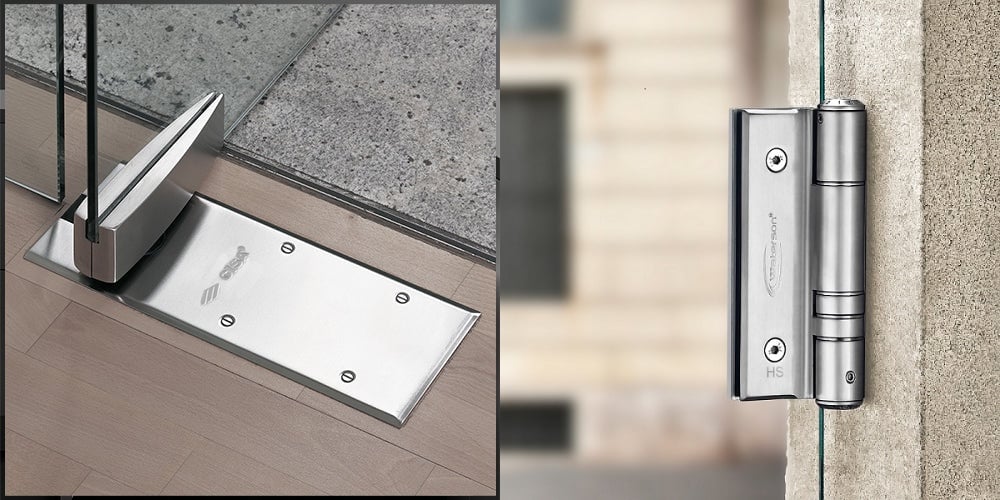
Glass Door Hinges: Floor Spring vs Spring Hinge Compared
Quick Answer Floor hinges (also called floor springs) are hydraulic closers set into the floor slab for center-hung or double-acting glass doors with fully concealed [...]
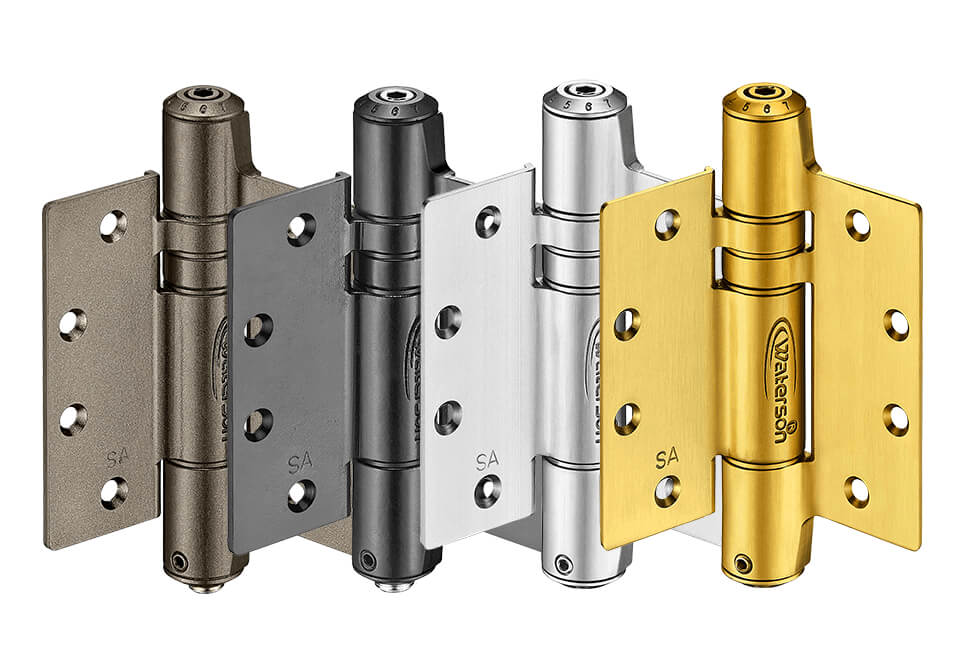
Stainless Steel Spring Hinges: Self-Closing Hinges for Interior and Exterior Doors
Quick Answer A stainless steel spring hinge is a self-closing hinge with a torsion spring inside the barrel, so it swings the door and closes [...]
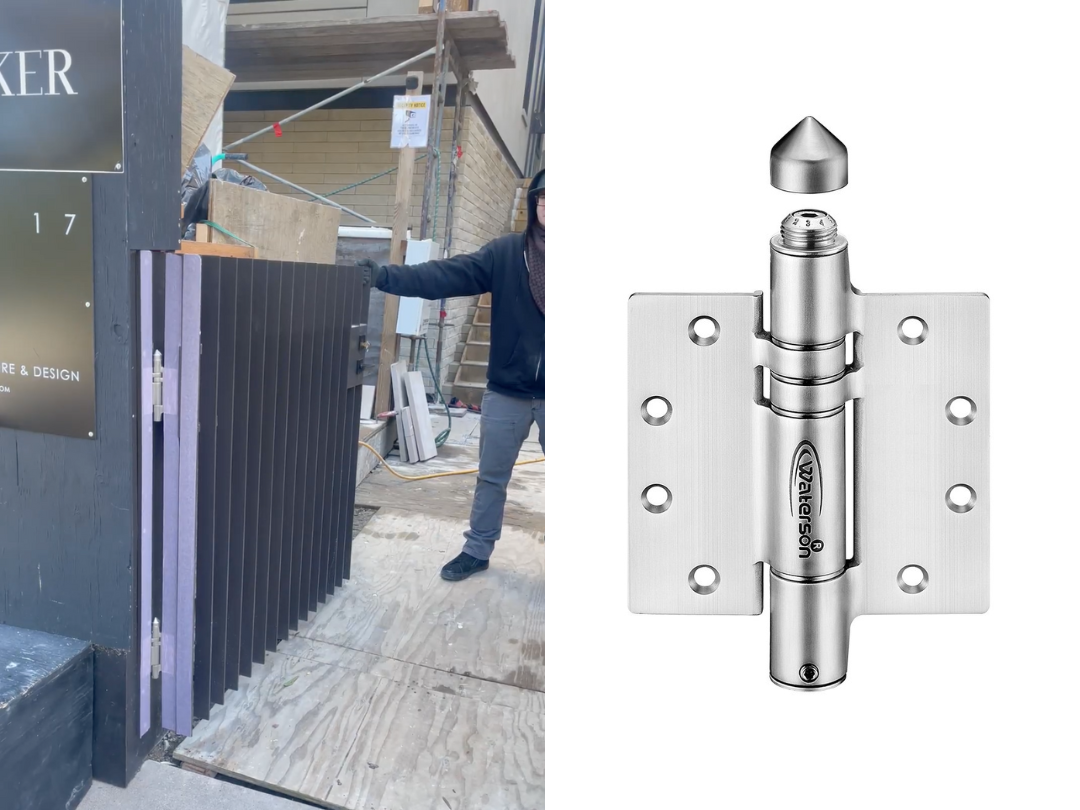
Cold Weather Gate Hinges: How Waterson Performs in Winter
When winter comes, temperatures drop, and outdoor fence gates start to behave differently. Wood absorbs moisture and swells, metal contracts slightly, and hardware components shift [...]